Google Photos
Google Photos is Google's photo storage service and gallery app. This page covers Android version 7.94.0.984908898.
220.7 MB
2.376.0 · Canva · Page updated
Canva for Android is the mobile app of Canva's online graphic design platform for making posts, flyers, presentations and short videos.
Average 0.0 · ratings: 0
Thank you! Your rating is saved; you can change it. Could not save the rating. Please try again later. Too many ratings from your network today. Please try again tomorrow. The average appears after 5 ratings.
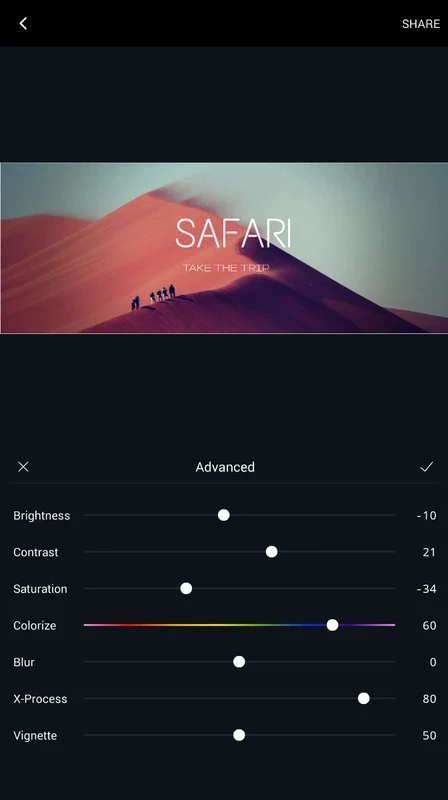
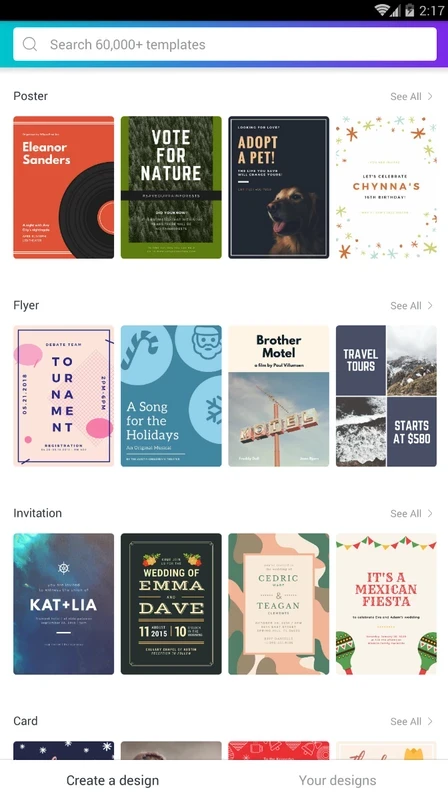
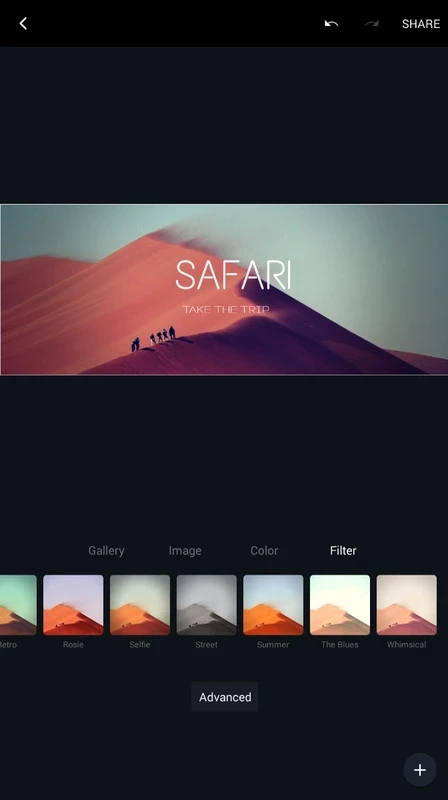
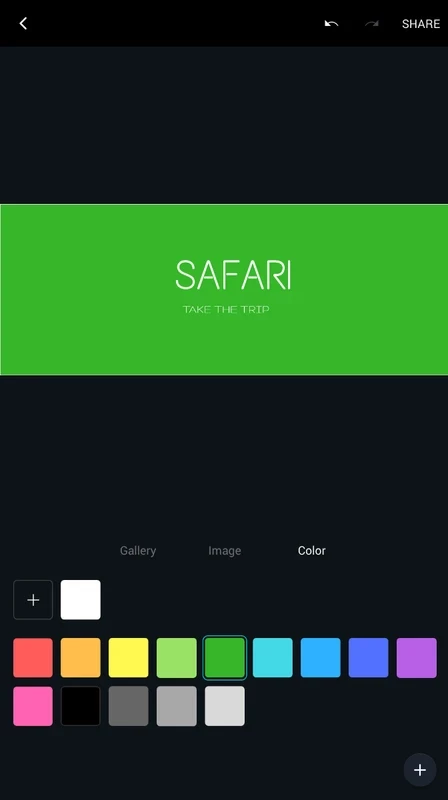
Canva 2.376.0 for Android is the mobile app of Canva's online graphic design platform, and you can download it free from Google Play. It lets you create social media posts, flyers, invitations, presentations and short videos from templates, right on your phone.
Canva has been around since 2013 and is built for people who need good-looking graphics but are not professional designers. Small business owners use it for price lists, menus and promotional posts. Social media managers keep brand colours and fonts in one place and produce a week of posts in an afternoon. Teachers and students make worksheets, posters and slides. Event organisers design invitations and banners. Because everything starts from a template, the result looks tidy even if you have never thought about typography. The Android app is especially handy for quick edits on the go: changing the date on a poster, resizing a post for another platform or adding a photo you just took. Professional designers who need precise control over every pixel usually prefer desktop graphics software and use Canva, if at all, for fast drafts.
| Version | 2.376.0 |
|---|---|
| Developer | Canva |
| Platform | Android |
| License | Freeware, paid plans available |
| Updated | September 2026 |
| Size | about 45.35 MB according to catalogue data |
Canva's mobile app page describes the app, and the technical requirements list the supported devices and browsers.
Google Play checks compatibility for your phone. Because designs are saved online, you need an internet connection for most work, and larger projects run more smoothly on phones with more memory.
Download Canva only from Google Play or canva.com. "Canva Pro unlocked" APKs are unofficial, violate the terms and can compromise your account. Check the licence terms of templates and stock images before using them in paid advertising.
Canva is free to use with a large library of templates. A paid subscription unlocks premium templates, stock media and brand tools, and teams can share one paid plan.
PixelLab, Hypic Photo Editor, Adobe Photo Lightroom and Google Photos are Android apps in the same imaging category, each focused more on photos or text graphics.
Google Photos is Google's photo storage service and gallery app. This page covers Android version 7.94.0.984908898.

Aarya Editz is a photo editing app for Android from KCS Devlopers; it has not been updated for a long time and has no official download source in our data.

Background Eraser by handyCloset is a free Android app for removing the background from photos and saving the cut-out as a transparent image.
Hypic is an AI photo editor for Android from ByteDance with retouching, background tools, filters and AI-generated art styles.

Ultra Camera HD: 4K Camera is a third-party Android camera app from Haibara CodeX offering an alternative interface for taking photos and videos.
Adobe Photo Lightroom is Adobe's photo editing app for Android, with presets, detailed adjustments, a pro camera mode and optional cloud sync.

PixelLab is a free Android app from App Holdings for adding styled text, stickers, shapes and effects to pictures.

Remini is an AI photo enhancer for Android that sharpens blurry pictures, restores old photos and improves faces in portraits.